01
Starter guide
Quick Start with WoW Pilot
Loading rotations takes less than a minute!
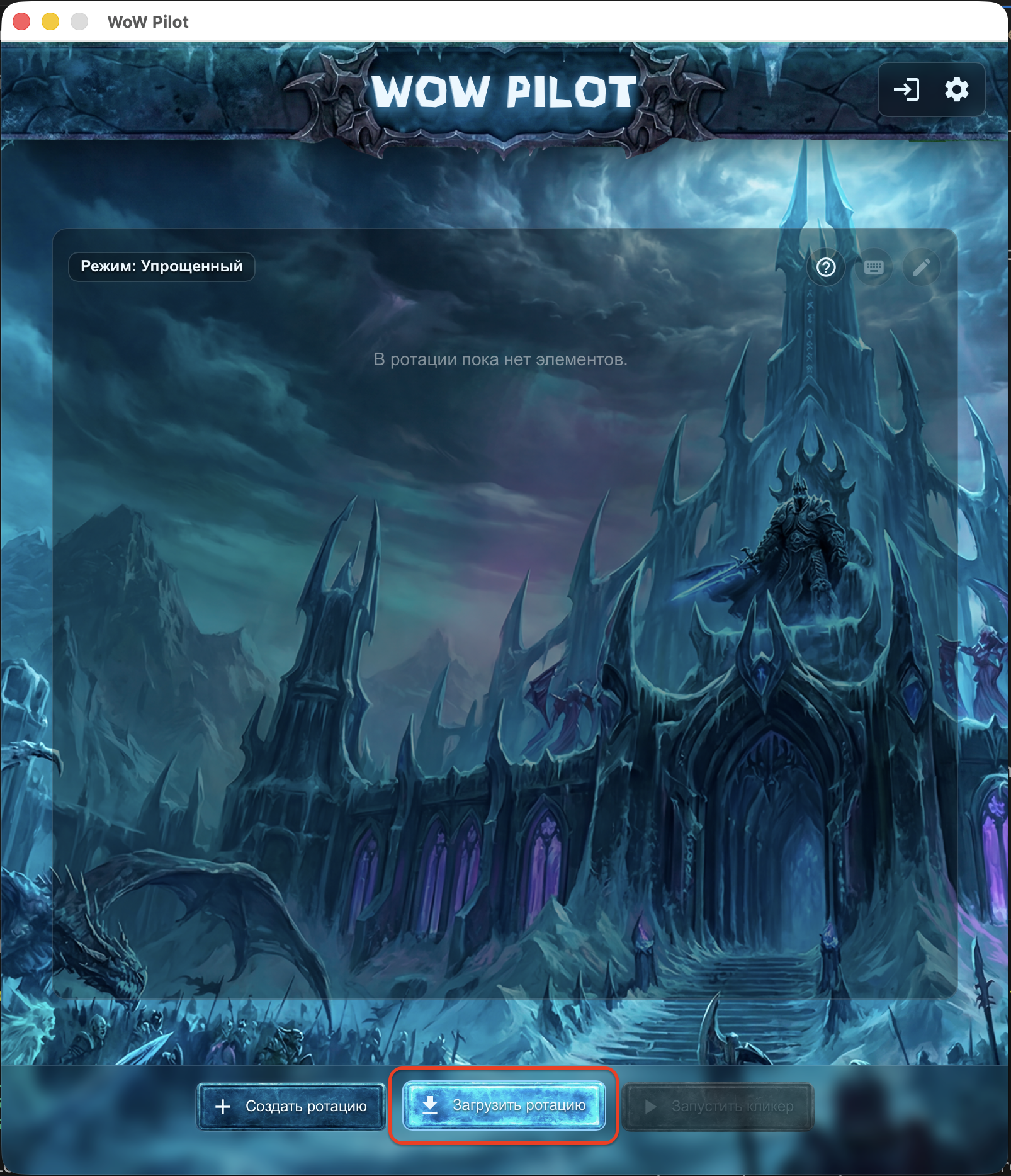
02
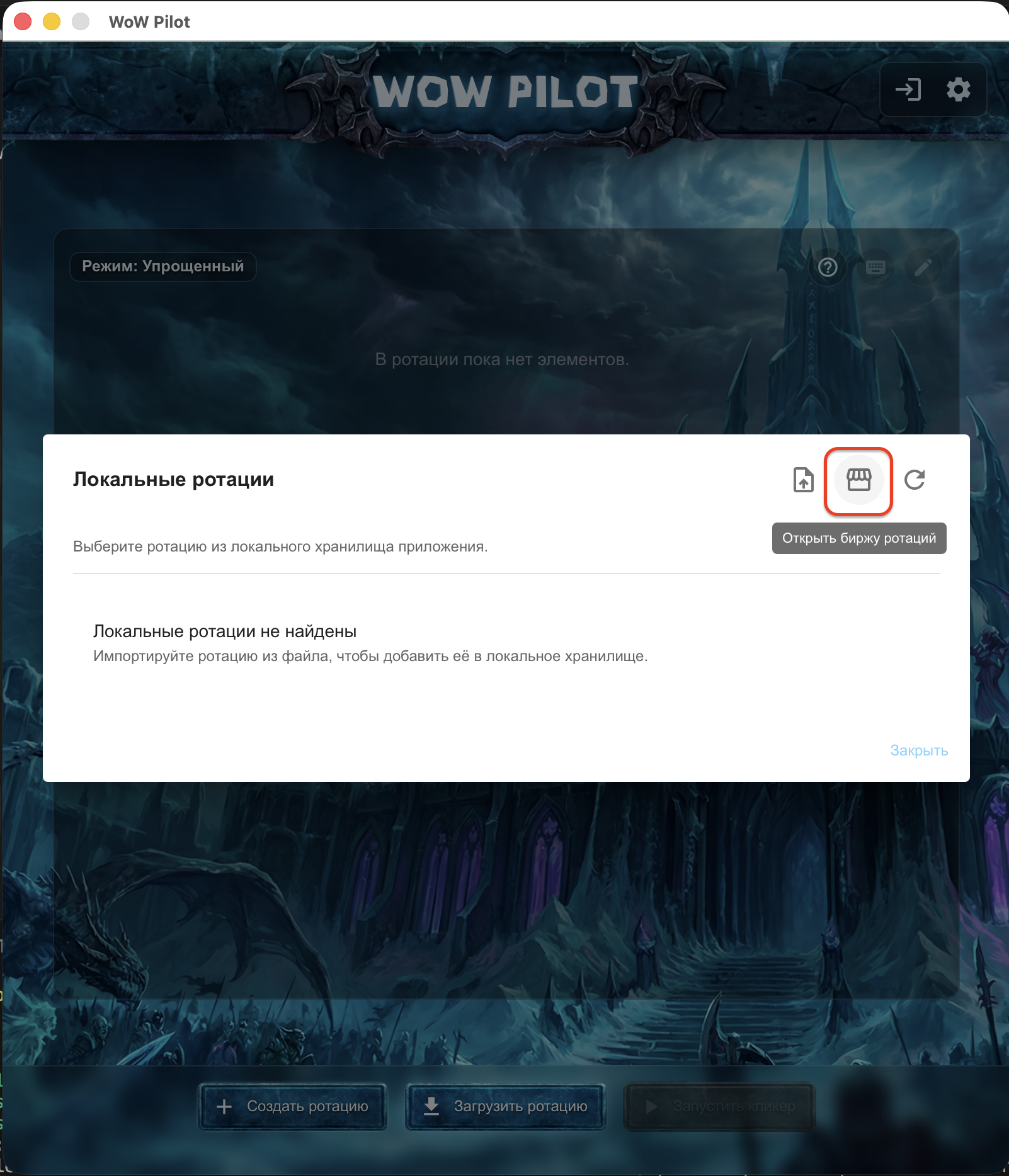
Choose a rotation
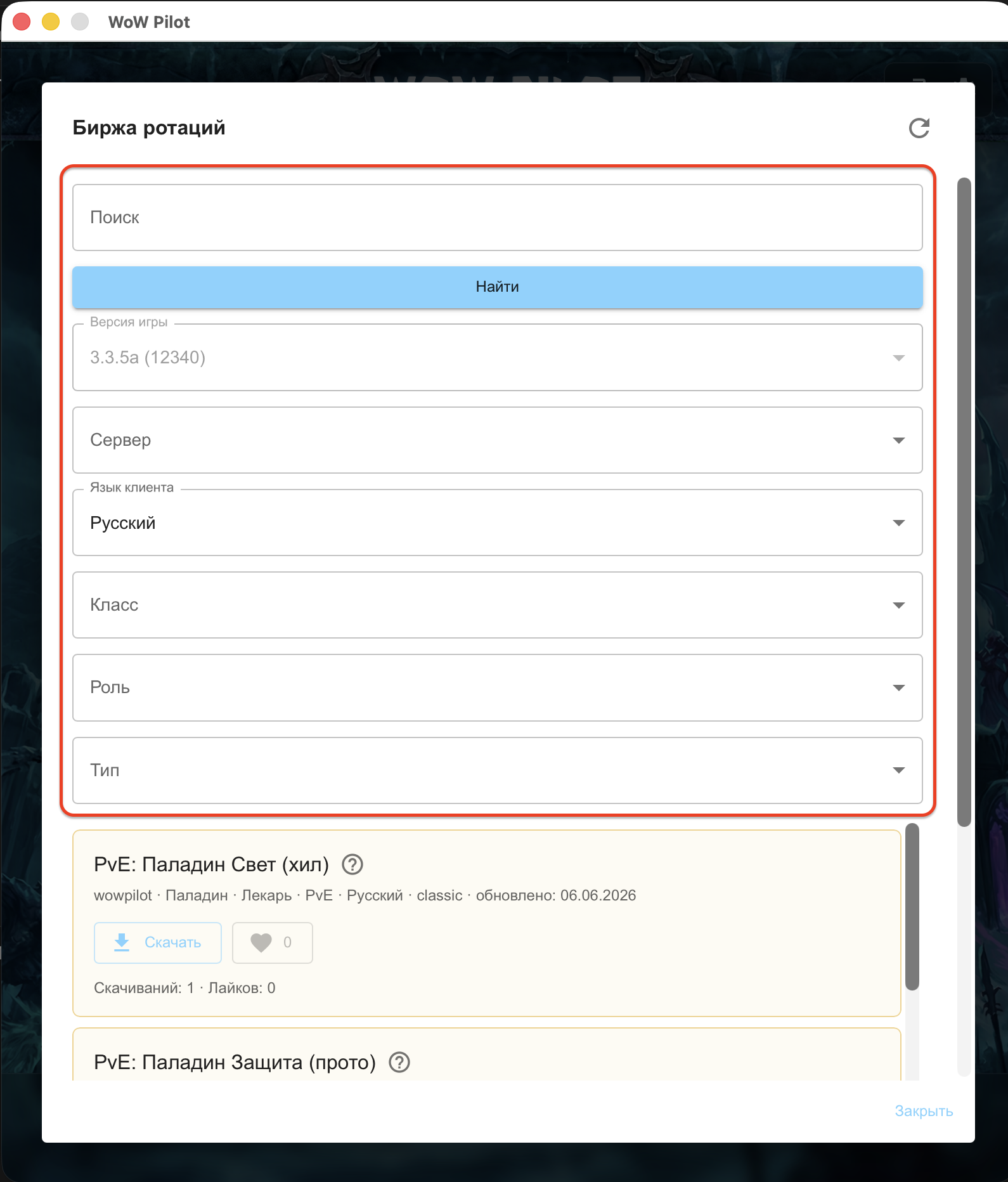
Run WoW Pilot as administrator. Open the rotation market, use the filters to choose a suitable rotation, and click “Subscribe”.
Note: If there is no rotation for your server, use one from another Blizzlike server, such as WoW Circle. Each rotation includes a short description from its author. All changes to the rotation are automatically synchronized.
03
Start the assistant
Click “Start” to run the selected rotation. If the game path is not configured yet, choose Wow.exe, or run.exe for Sirus. Then select the World of Warcraft window for the combat assistant.
Note: If this is the first addon generation, restart the game. If you changed the addon name, delete the addon with the previous name. When you switch to the game, the interface reloads with /reload. If it does not, reload the interface manually or repeat the launch.
Yours are free
When you need a token
Create and use your own rotations without limits for free. A token is required, to use other creators’ rotations without limits, duplicate them, give likes, and unlock additional market features.
Custom rotation
How to create a custom rotation
If ready rotations do not fit your class, gear, server, or playstyle, build your own from scratch and use it without limits for free. Duplicating another creator’s rotation requires an active token.